FlowX In final testing

Download

FlowX for Android.

A free focus timer that blocks the apps you choose while you study or work.

Coming to Google Play Soon How it works

FlowX is in final testing before its public release. The download link will appear here as soon as it is on Google Play. Install FlowX only from Google Play.

What you need

  • An Android phone with Android 8.0 or newer.
  • An email address for your free FlowX account.
  • An internet connection to sign up, sign in and sync. Once you are signed in, the focus timer and blocking work offline.

What FlowX asks for

  • Accessibility service, to keep the apps you choose closed while you focus. It only checks which app comes to the front.
  • Notification access, optional, to hold your blocked apps' notifications until your break.
  • Notifications, for the running timer and alerts.

Why FlowX needs each one

Free, with ads

FlowX is free. It shows Google AdMob ads at some app openings and when a focus session ends, never during focus, a break or setup, on the block screen, or while you type.

Your data

The apps you block and the list of apps on your phone are never sent to FlowX's server. Delete your account at any time. Read the privacy policy.
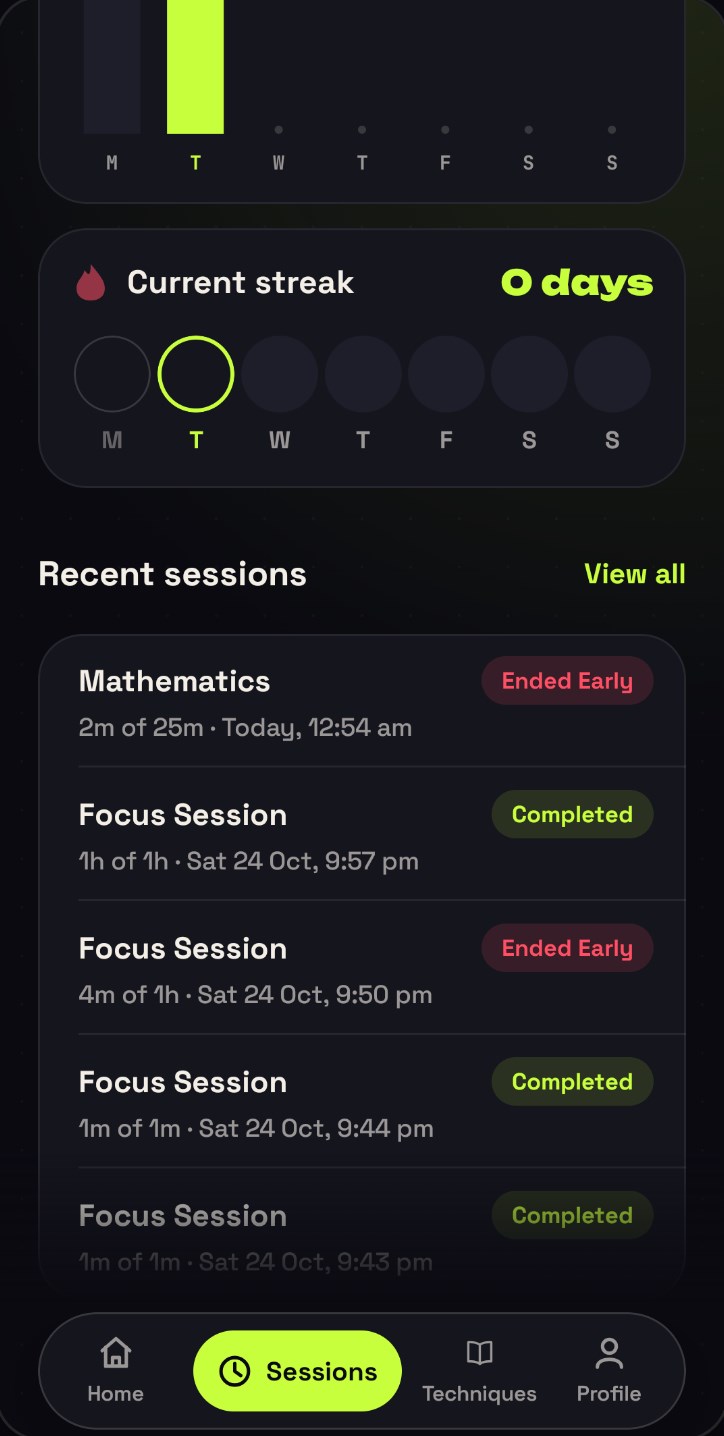
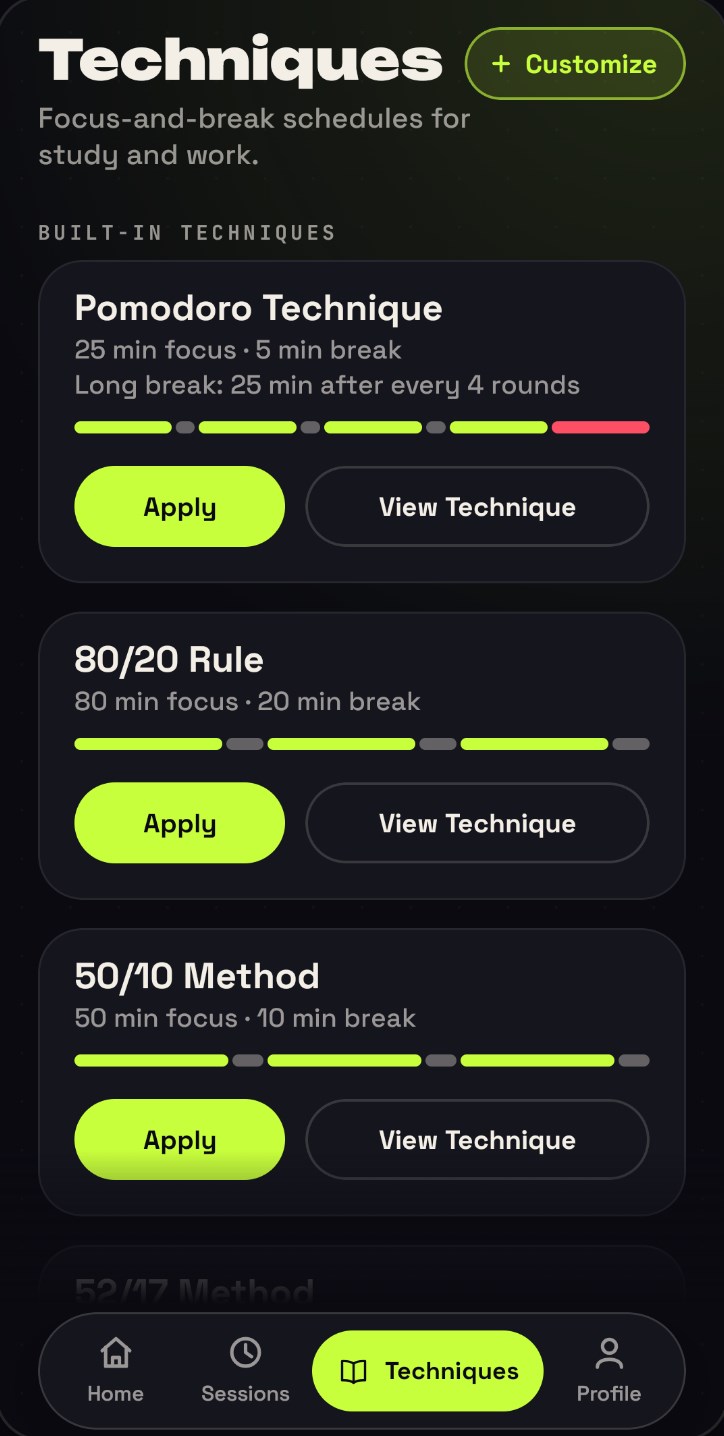
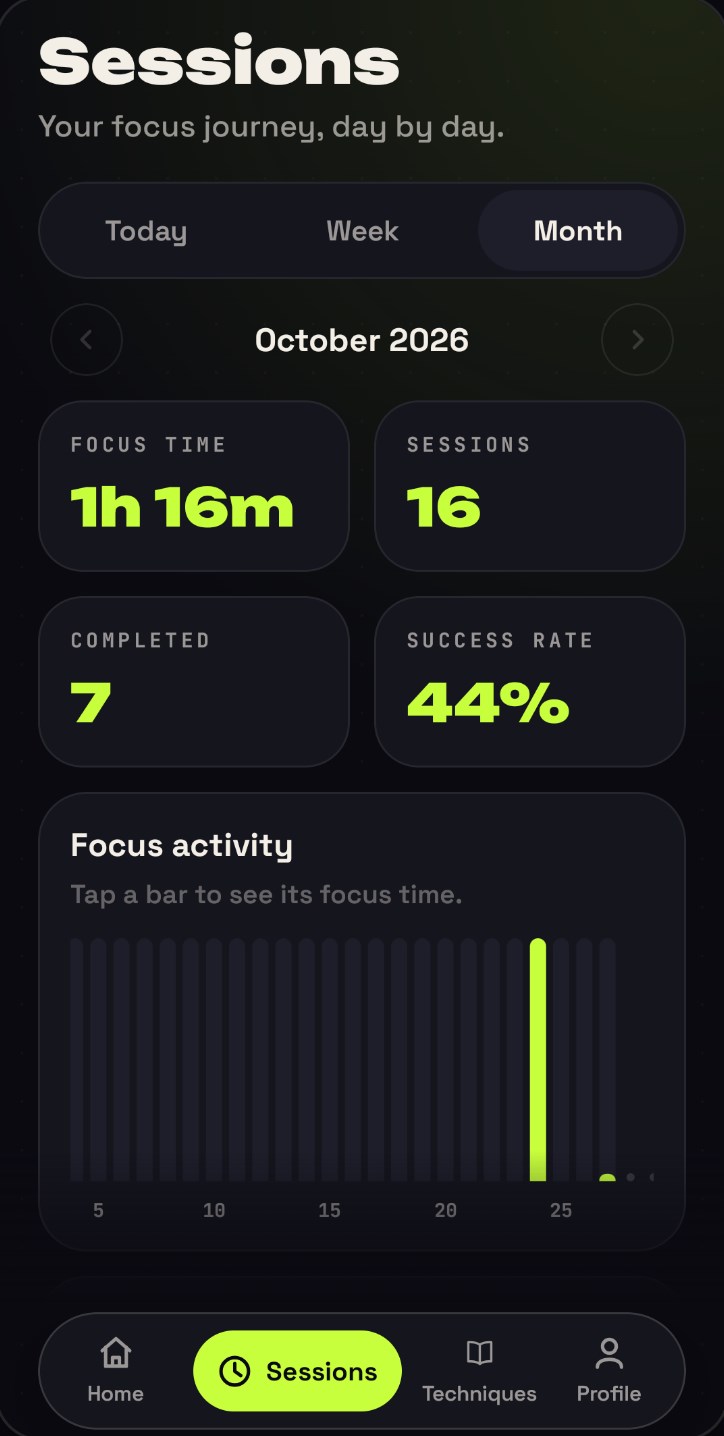
FlowX streak card and recent sessions list. Each named session shows its length and whether it was completed or ended early. FlowX Techniques screen listing built-in focus-and-break schedules, each with a coloured rhythm bar and Apply and View Technique buttons. FlowX Sessions screen for October 2026: 1h 16m of focus time, 16 sessions, 7 completed, a 44% success rate and a bar chart of focus activity by day.